Campaigns that send like a person.
Write a sequence once. Each lead gets their own version, from your own mailbox, at a natural pace through the working day.
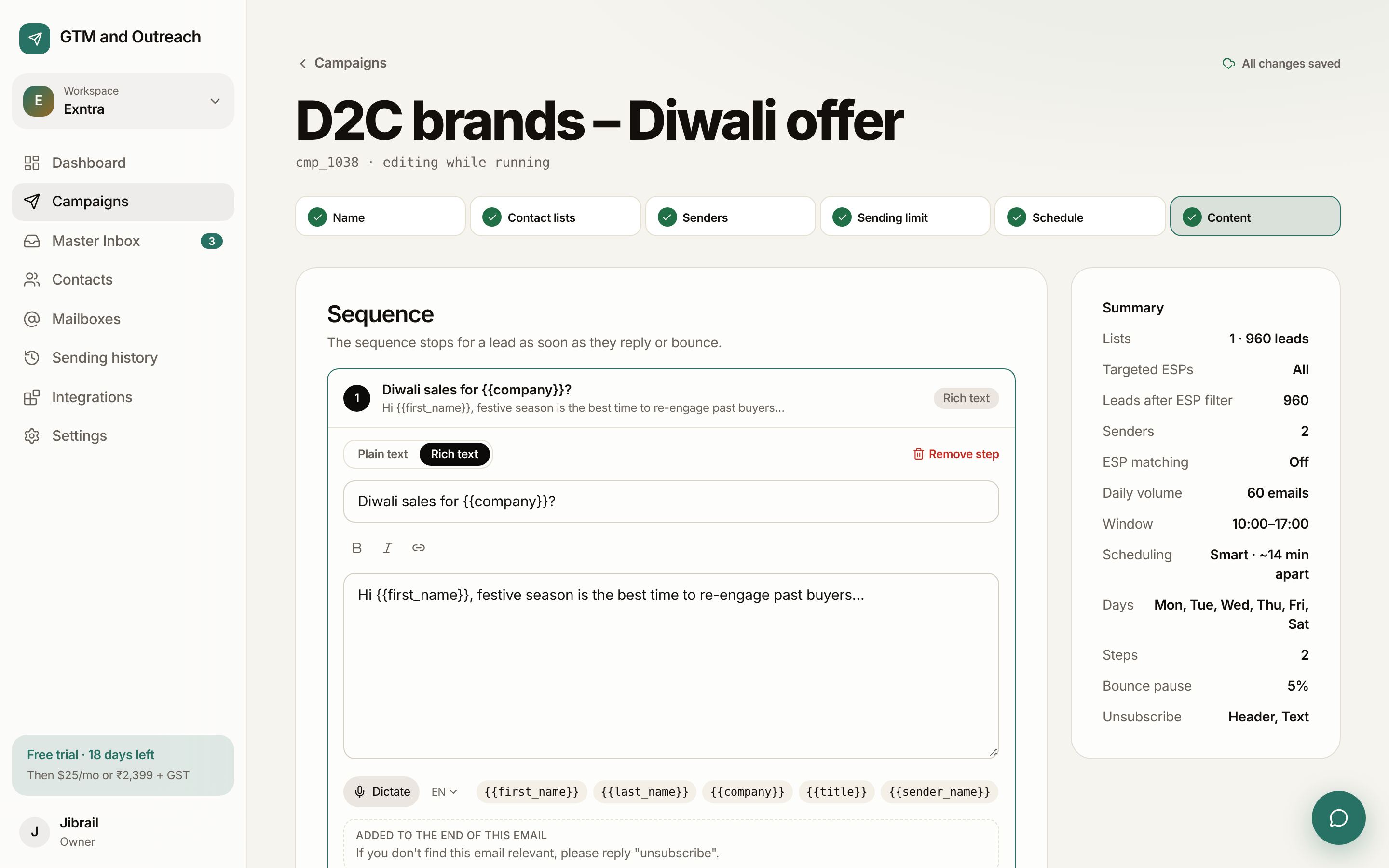
One burst looks like spam. A steady day doesn't.
Smart scheduling spreads each mailbox's daily emails across your sending window, with random gaps of ±30%. Here is one mailbox sending 30 emails between 10:00 and 17:00.
Write once, personal for each lead.
- Variables with fallbacks
{{first_name|there}},{{company}}, and any column you import, such as{{city}}. - Spintax
{Hi|Hey|Hello}picks one version per lead, so no two emails are identical. - ConditionsShow a line only to some leads, for example only to SaaS companies.
- Follow-ups in the same threadLeave the subject empty and the step goes out as a reply to the first email.
- Dictate with your voicePress Dictate and speak, in 36 languages including Hindi, Tamil and Arabic.
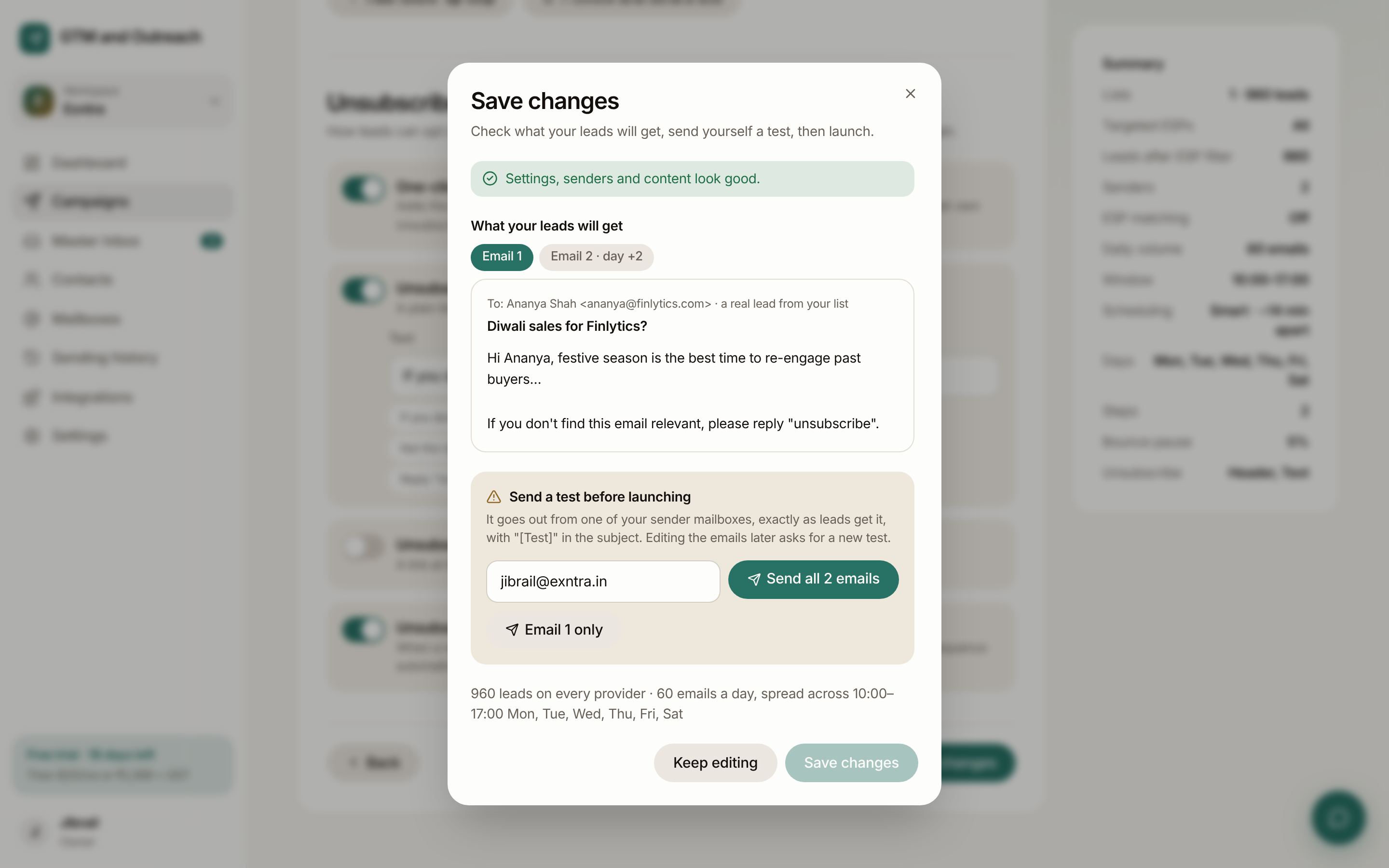
See every email, then test it.
Before launch you see exactly what a real lead will get, for every step. Then you send yourself a test from one of your mailboxes. Launch stays locked until you do.
- Pre-launch checksMissing variables, mailbox problems, DNS issues and blocked content, all flagged before you start.
- Edit while it runsChange the copy of a running campaign. If you edit the emails, we ask for a fresh test.
- First campaign reviewAn account's first campaign gets a short content review, which keeps the platform clean for everyone.
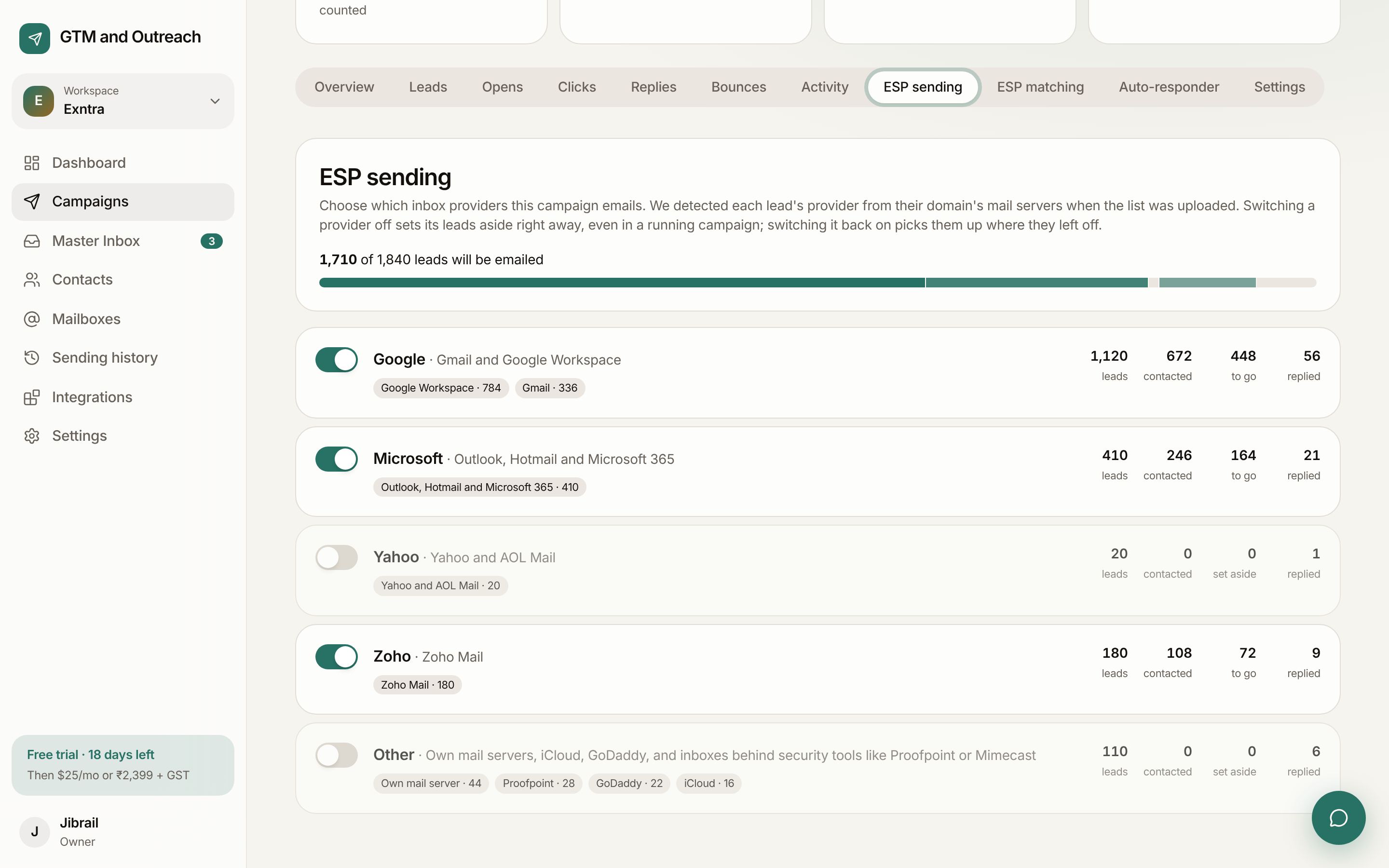
You decide who gets emailed, and from where.
ESP sending
Turn providers on or off for each campaign. Email only Microsoft leads, or skip throwaway and unknown servers.
ESP matching
Gmail leads get email from your Google mailboxes, Outlook leads from your Microsoft ones.
1–100 testing
Write up to 100 versions of any email. Leads are split evenly, replies pick the winner, and everyone else gets it.
Follow-ups that react
Send a step only to people who opened, clicked, or didn't. Skip Indian public holidays, and use the hours your replies come from.
Safe stops
A campaign pauses if its bounce rate hits your limit. A lead who replies or bounces never gets another step.
Start sending this week.
Your first month is free and needs no card. Connect a mailbox, import a list and send your first test in about ten minutes.